

Suppose you’re like me and just moved into an old place or you already live in one. In that case, the home isn’t set up with any security camera and, in my case, doesn’t even have a doorbell, so I wanted to take steps to add a reasonable level of security to the place (along with a working doorbell).
So I thought I would check out what google nest has on offer since I already have nest audio throughout my home, and that search led me to the battery-powered google nest doorbell and the battery-powered google nest cam.


I wanted to have a view of the front yard, which can be seen via the doorbell, the side path, which I positioned the first nest cam on and the last, I wanted a view of the backyard as my dog goes out to play there daily, so I did just that, added a second camera to view the backyard.
I was drawn to battery-operated devices as I didn’t want to start hooking up electronics through an old place, so I knew battery-powered would work best.
We ordered a Nest Doorbell and two Nest (indoor/outdoor) Cameras.
Once the devices arrived, I cracked them out, learned a little about them and their proper use, and started the easy installation. The devices all come with the screws and parts needed to properly secure them wherever you like, and once they are charged and installed, you can connect them to your phones and start keeping an eye on your home.
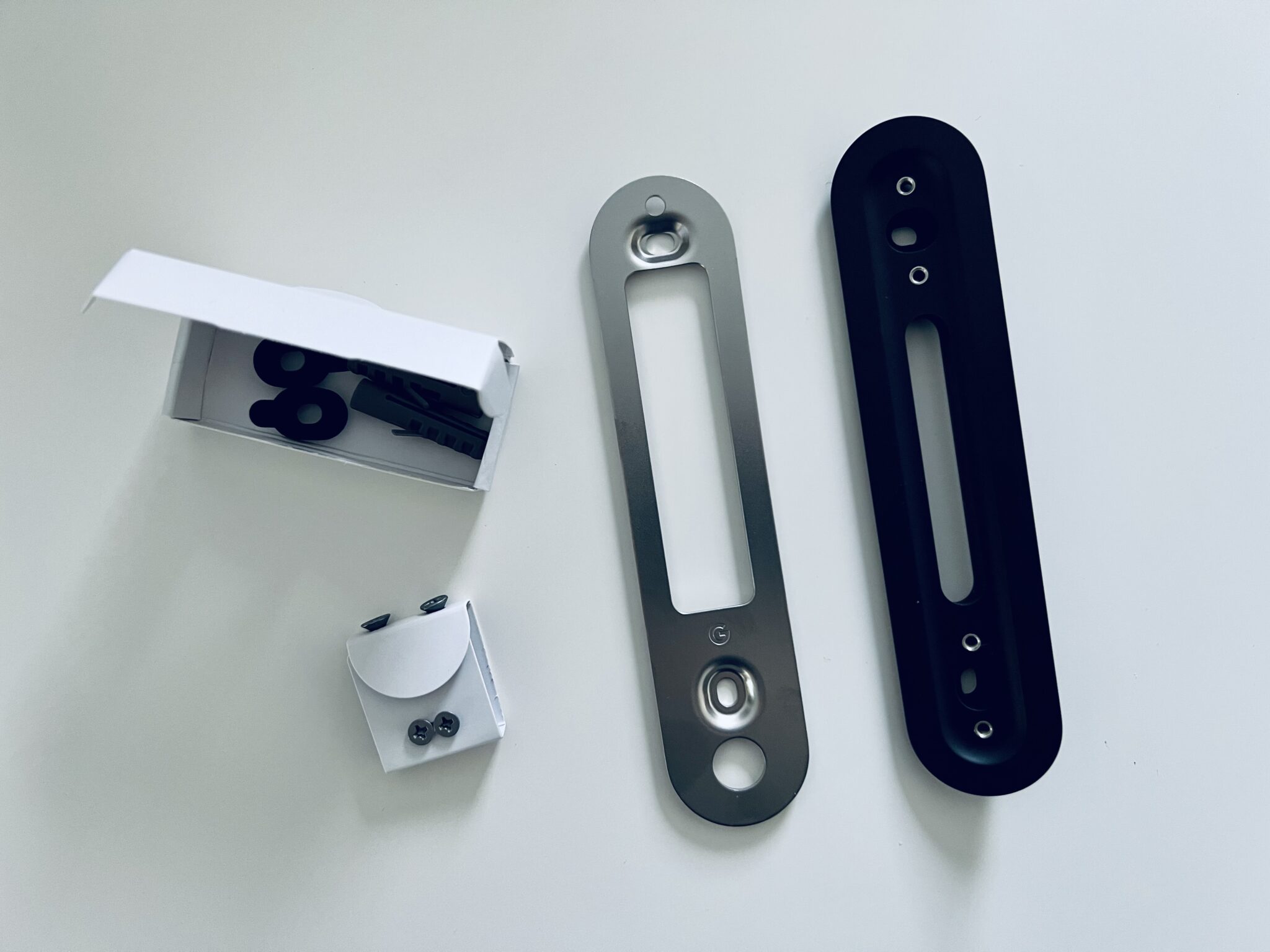
The Google Nest Doorbell (Battery Operated)
As mentioned, since I recently moved into a new place that doesn’t have a doorbell or even a knocker, I wanted to put something interactive that would also give me a view of our front yard, so after looking around, I decided the Google Nest Doorbell would be a perfect choice, mainly because of what it offers. Still, my previous home had a nest home, speakers, and thermostat, which made the decision easy, as they all easily connect.
Once charged and installed, the doorbell was all ready to go. Not only was it easy to install, but it’s also so convenient and easy to use and here’s why.
Know Who’s at your Door:
Unlike a regular doorbell, the google nest allows you to see whos at the door as they come up, but it also notifies you through the google home and nest speakers that someone is at the door once they have pressed the doorbell.
From the time they have entered your property to the time they leave, the doorbell can keep a history so, even if you’re not home, you can see in real-time and review who’s been by, dropped off packages or who you might have missed.
You can set zones within your doorbells view, so you don’t get notified about everything, just what you want to see.
No Wires Means No problems:
Opening up walls and dealing with electrical is like opening pandora’s box in many older homes. While hooking up a wired device would probably be very straightforward in a newer build, it’s probably best for those of us in older homes to go battery-powered.
No wires does mean you’ll have to charge the device, but it also means you don’t have to deal with what may be lying behind the walls.


Keep An Eye Out:
When you set your zones for the doorbell, you can allow it to only track and show what you want to see. For example, I don’t need to know what’s going on on the sidewalk, but I want to know when someone comes onto my property, even if it’s the neighbour.
With the doorbell, you not only get the notification of someone arriving, but you also have the added ability to keep an eye out on your walkway or front yard when you’re there, or even while you’re halfway around the world via the google home app.


Stay connected day or night.
We made sure to test the doorbell in cold, rainy, dark and light and honestly, it picks up everything and anything. It notifies you when it picks up a human, day or night. It even picked up a bag blowing by one day and what seemed to be a giant bird on another, but 98% are notifications of a human in the set area/s.
We love the nest doorbell and the only criticism we have, if any at all. The battery doesn’t have a long life in cold weather and may need a charge every few weeks, but that’s pretty much all tech devices, so we’ll let that slide.
The Nest Security Camera (Battery Operated)
After deciding to go with the Google Nest Doorbell, we also decided we wanted to install cameras outside our home. One for the side walkway and the other for the backyard.
So, we did just that. Again, the installation was super easy, and once the cameras were up, we aligned them to capture the perfect angle, and we were all ready to go.


Added Security:
Once you’ve placed the cameras and connected them to the google home app, you can check in day or night to ensure everything is as it should be. Furthermore, the Google app will notify you anytime it sees a person within its view and will send a notification to your home.


See Live or review the history:
If someone comes into your camera’s view, you can see what they are doing in the live view, but if you’re busy or happen to miss the notification, you can review the history to see what event took place and who came into your space or place.
I captured screenshots of myself taking the photos to show how the review works. It is so simple, convenient, and adds the perfect level of security easily to any home.
So, if you’re looking to add a doorbell, extra security or both to your home, we highly recommend the Google Nest Doorbell (battery) and Google Nest Cameras (battery), so you can keep a watchful eye and have the peace of mind we all want for yourself, your family and your home.

markmunroe
Latest posts by markmunroe (see all)
- Mandolin – The Quiet Instrument That Comes Alive at Concerts - October 23, 2026
- The Growing Allure of High Adrenaline Weekend Escapes - October 2, 2026