
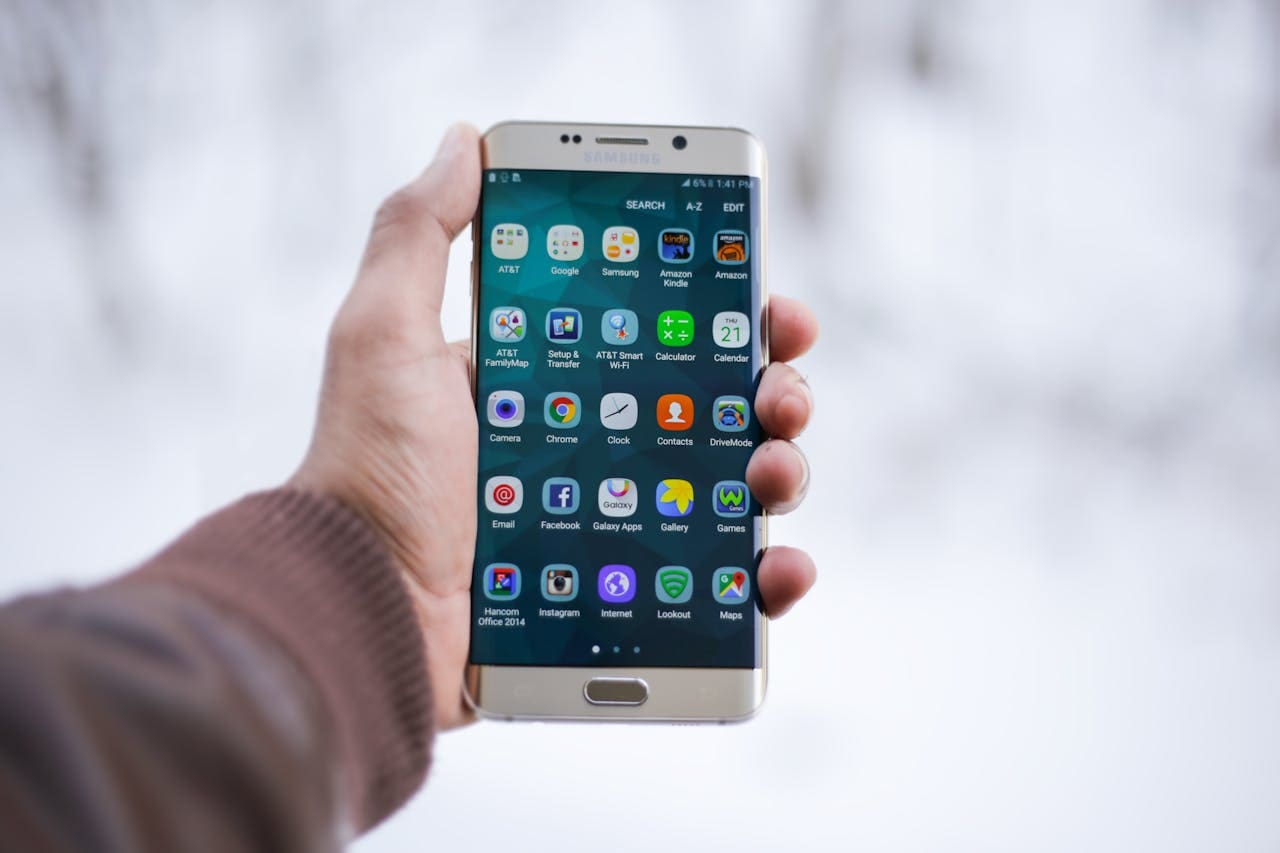
Just like our closets, inboxes, and junk drawers, our digital lives can accumulate clutter that drags us down. The endless stream of emails, the dozens of unused apps, and the mindless scroll sessions leave us feeling overwhelmed and fragmented. If you’ve ever picked up your phone to “just check something” and suddenly lost 45 minutes, you’re not alone—and you might be overdue for a digital spring cleaning.
Digital spring cleaning isn’t just about deleting apps; it’s about reclaiming control over your time, focus, and mental bandwidth. Here’s how to tidy up your tech life and create a digital environment that supports your wellbeing rather than sabotaging it.
1. Start with a Digital Inventory
Before you start deleting, take stock of your current digital habits. Where does your time go? Which apps do you open first thing in the morning? What notifications are constantly pulling your attention?
Most smartphones have built-in screen time reports or digital wellbeing dashboards. Use them. You might be surprised by how much time you’re spending on apps you don’t even enjoy. Awareness is the first step toward change.
2. Say Goodbye to Unused Apps
Let’s be real: if you haven’t used that photo editing app since 2022 or opened that language learning app more than once, it’s time to let it go. We often hang onto apps because of who we wish we were—more productive, more creative, more organized. But clutter, even in digital form, creates noise.
Delete any app that:
- You haven’t used in three months
- No longer serves a purpose in your life
- Sends excessive notifications without real value
- Drains your battery or storage
Not only will this free up space, but it’ll reduce visual noise on your home screen and make it easier to access the tools that actually help you.
3. Tidy Your Inbox
Email is one of the biggest sources of digital stress. Between newsletters you never read, spam you never signed up for, and messages you meant to respond to two weeks ago, your inbox can become a digital landfill.
Here’s how to clean it up:
- Unsubscribe ruthlessly. Use tools like Unroll.Me or manually search “unsubscribe” in your inbox and clear out what doesn’t serve you.
- Create folders or labels. Organize important emails by categories like Work, Personal, Receipts, or To-Do.
- Set filters. Automatically send low-priority emails (like promos) to a separate folder.
- Zero out (if you dare). If your inbox is overwhelming, consider declaring “email bankruptcy” and archiving everything older than 30 days.
4. Audit Your Accounts
How many online accounts do you have floating around out there? Old social media profiles, unused shopping logins, outdated subscriptions—these can be not only digital clutter but also potential security risks.
Take an hour to:
- List your major accounts and log into each.
- Delete or deactivate any you no longer use.
- Update passwords to be strong and unique (and consider using a password manager).
- Cancel subscriptions that aren’t serving you—especially the sneaky ones you forgot about.
Bonus: you might even save some money in the process.
5. Clean Up Your Camera Roll
Photos can hold memories, but they can also turn into another form of clutter—especially when it’s thousands of screenshots, blurry selfies, or duplicate images.
Try this:
- Delete duplicates and junk photos.
- Create albums for meaningful memories.
- Back up your best shots to the cloud or a physical hard drive.
- Review regularly—maybe once a month—to keep your gallery from becoming overwhelming again.
Your future self will thank you when scrolling through photos feels joyful, not chaotic.
6. Curate Your Social Media
One of the most powerful forms of digital cleaning is curating what and who you follow. If your feed leaves you feeling anxious, envious, or drained—it’s time to declutter your digital social circles.
Unfollow or mute:
- Accounts that promote unrealistic lifestyles
- People who constantly complain or trigger negative feelings
- Brands you only followed for a one-time giveaway
- Content that no longer aligns with your current goals or values
Instead, follow creators and communities that uplift, educate, or genuinely entertain you.
Pro tip: set boundaries on how much time you spend on each app using built-in time limits or third-party tools like Freedom or Moment.
7. Refresh Your Notifications
Notifications are like someone tapping you on the shoulder all day long. It’s exhausting—and most of the time, it’s for something that can wait.
To regain your focus:
- Turn off notifications for everything non-essential.
- Disable red badges on app icons.
- Schedule “Do Not Disturb” times, especially at night or during work.
- Use summary tools (like iOS’s Notification Summary) to group alerts together at set times.
Give yourself permission to not be available 24/7.
8. Break the Scroll Habit
Even with a decluttered phone, it’s easy to fall into endless scrolling. To make your digital space support healthier habits:
- Move distracting apps off your home screen
- Replace scrolling time with something intentional (like reading, journaling, or stepping outside)
- Use the “One-Minute Rule”: if you open an app and don’t find what you were looking for in one minute, close it
- Try app blockers during certain times of day
Your time and attention are valuable. Don’t give them away so easily.
9. Refresh Your Desktop & Cloud Storage
Your laptop and cloud storage deserve love too. A messy desktop or a cluttered Google Drive can make even the simplest task feel frustrating.
Do a sweep:
- Delete duplicate or outdated files
- Organize documents into clearly labeled folders
- Rename files so they’re searchable
- Empty the trash and downloads folder
- Back up important documents regularly
A clean digital workspace can make a huge difference in how productive (and calm) you feel.
10. Make Digital Cleaning a Habit
Digital spring cleaning doesn’t have to be a once-a-year event. Consider setting a monthly or quarterly reminder to check in and do a mini-declutter. Just like physical tidying, regular maintenance is the secret to staying organized.
And if you fall off track? No shame—just start again. Progress, not perfection.
Final Thoughts: Make Room for What Matters
Digital clutter might not take up physical space, but it can weigh heavily on your mind. The good news? You don’t need to overhaul your entire digital life in one day. Start with one area—maybe just your inbox, or your home screen—and build momentum.
This isn’t just about decluttering. It’s about creating space for the things that truly matter: connection, creativity, rest, and joy.
So go ahead—press delete, hit unfollow, unsubscribe. Let go of the digital baggage. You might just find a little more peace, clarity, and time waiting on the other side.

markmunroe
Latest posts by markmunroe (see all)
- Mandolin – The Quiet Instrument That Comes Alive at Concerts - October 23, 2026
- The Growing Allure of High Adrenaline Weekend Escapes - October 2, 2026